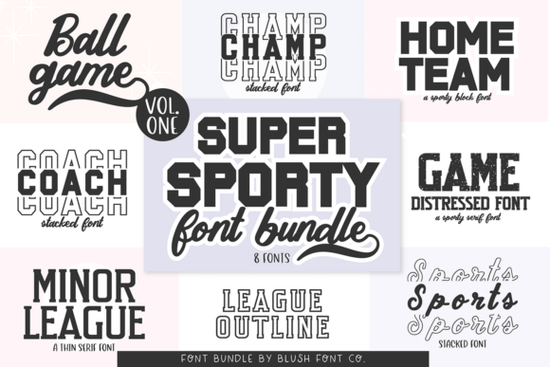
If you design team apparel, school spirit gear, or game day merchandise, you already know that finding the right athletic typeface can make or break a layout. The Super Sport Bundle Font gives you eight distinct varsity and jersey-inspired styles in one download, so you do not have to hunt for separate files every time a new season starts. Whether you are laying out football helmet decals, printing basketball warm-up shirts, or creating retro baseball stickers, this collection covers the bold, blocky, and classic collegiate looks that customers actually recognize.
What makes this sports font collection different?
Most athletic typefaces rely on the same heavy slab shapes, which can make your designs look identical to everyone else’s. This bundle splits the difference between modern team branding and vintage locker room aesthetics. You get clean collegiate lettering for official-looking school merch, plus weathered athletic display options that bring a nostalgic feel to retro sportswear. The jersey number styles are especially useful when you need consistent spacing for names and digits on the back of shirts. Because the files are optimized for both digital layouts and cut machines, you can move from a social media mockup to a heat press without reformatting your text.
Which projects work best with varsity and jersey typefaces?
Sports lettering is not limited to team uniforms. Print-on-demand sellers use these styles for alumni fundraisers, summer camp shirts, and local tournament gear. Crafters rely on them for sublimation tumblers, game day stickers, and custom sweatshirts that sell well during fall and spring seasons. If you want to mix athletic lettering with softer display styles for a balanced layout, you might pair a bold varsity face with something like a rounded display option to soften the edges on youth apparel. For vintage-inspired club merch, combining a classic collegiate font with a nostalgic script can give your design a worn-in, authentic feel. When you need a handwritten touch for player names or coach gifts, a signature-style display font adds a personal layer without clashing with the main block lettering. If your shop also creates non-sports items, keeping versatile files like a playful display typeface or an elegant script in your library helps you switch niches quickly when trends change.
How do I prepare these files for Cricut, sublimation, or print-on-demand?
Working with athletic fonts requires a few small adjustments to keep the letters readable after cutting or pressing. Start by installing the OTF or TTF files on your system, then restart your design software so the new styles appear in your font menu. When you layout jersey numbers, increase the tracking slightly so vinyl cutters do not tear thin bridges between characters. For sublimation, convert your text to outlines before exporting to PNG. This prevents missing glyphs when you send the file to a print provider. If you are using Design Space or similar cutting software, weld overlapping letters only after you have checked the spacing. Bold sports typefaces cut cleanly on standard adhesive vinyl, but intricate vintage textures may require a finer blade setting or a simpler color separation.
What should I verify before downloading a sports font bundle?
Not every athletic typeface includes the characters you actually need. Before you commit to a download, check the glyph panel for numbers, punctuation, and basic accented letters. Some varsity fonts skip symbols like the ampersand or dollar sign, which causes problems when you design fundraiser posters or ticket graphics. Look for multilingual support if you sell to international teams or bilingual schools. You should also review the commercial license terms. Most bundles allow unlimited personal projects and small business sales, but some restrict large-scale print runs or trademarked team names. Keep your receipt and license file in a dedicated folder so you can reference it later if a marketplace requests proof of usage rights.
Before you start your next game day layout, run through this quick setup checklist:
- Install and restart: Add the font files to your system and reopen your design program to avoid missing style errors.
- Check the glyph map: Verify that numbers, team initials, and common punctuation are included in every style you plan to use.
- Test cut or print: Run a small sample on your chosen material to confirm that thick strokes and vintage textures transfer cleanly.
- Adjust spacing: Increase letter spacing slightly for vinyl cuts and decrease it for bold digital headers to keep the layout balanced.
- Save your license: Store the commercial use terms in your project folder so you can answer marketplace questions quickly.
Pick the style that matches your team’s era, set your spacing early, and let the lettering do the heavy lifting on your next sports merch drop.
Learn More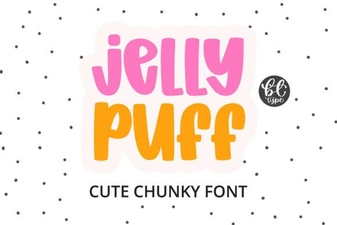 Creative Projects Using Jelly Puff Font
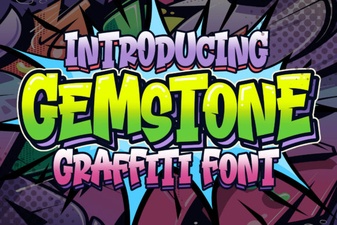 Crafting with the Gemstone Font Design Tool
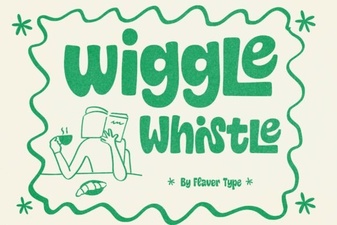 The Wiggle Whistle Font: Design Inspiration Guide
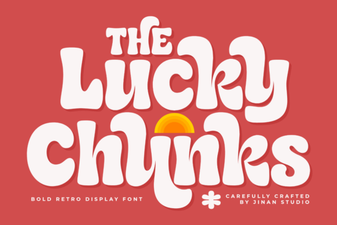 Lucky Chunks Font: Fun & Easy Gameplay Typography
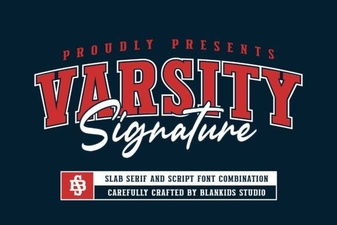 Design Your Team Spirit with Varsity Signature
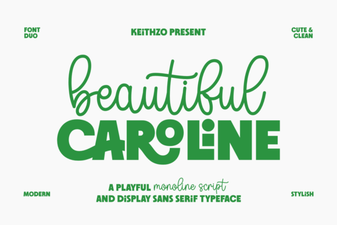 Download the Beautiful Caroline Font for Creative Designs