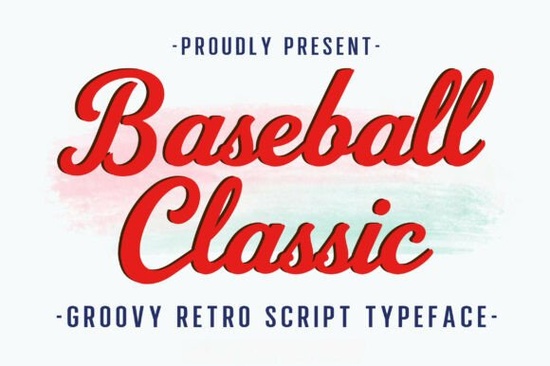
If you are looking for a typeface that captures that nostalgic, dugout-inspired vibe without sacrificing readability, Baseball Classic Font delivers exactly what you need. It is a bold retro script with a vintage sporty feel, built specifically for designers, crafters, and small business owners who want their projects to stand out on shelves and screens. The character set covers uppercase, lowercase, numbers, and standard punctuation, so you can type out full phrases, pricing tags, or team names without running into missing glyphs.
What makes this retro script font stand out?
Most sporty typefaces lean heavily into blocky sans-serifs or overly distressed grunge styles. This one takes a different approach by blending smooth script curves with thick, confident strokes. The result is a font that feels handmade yet polished enough for professional branding. You will notice consistent baseline flow and carefully spaced letters, which means your text won’t look cramped when scaled down for stickers or stretched across a large poster. The vintage aesthetic works especially well when you want to evoke nostalgia without making your design look dated.
Where does it work best for print-on-demand and branding?
Because the letterforms are bold and highly legible, this typeface fits naturally on merchandise that needs to grab attention quickly. Think t-shirt graphics, tote bags, coffee mugs, and team event posters. Small business owners often use it for logo lockups, packaging labels, and social media quote graphics. The script style adds a personal touch to otherwise straightforward layouts, while the heavy weight ensures your message remains readable from a distance. If you run a print-on-demand shop, you will find that customers respond well to designs that mix athletic nostalgia with clean, modern spacing.
When building a font library for seasonal drops, it helps to keep a few contrasting scripts on hand. You might pair this sporty style with a softer handwritten option like the one featured in our little love collection for boutique packaging, or switch to a playful rounded style when designing kids’ apparel. Some creators also browse through a biscuit-style script when they need something cozy for bakery labels, while others prefer a sweet, flowing alternative for wedding invitations or feminine branding. If your shop leans toward trendy, pop-culture themes, you might already be testing a bright, retro-inspired typeface for summer campaigns. For the actual download page and licensing details, you can visit the full preview and file package directly.
How do I pair it with other typefaces?
Script fonts carry a lot of visual weight, so pairing them correctly keeps your layout balanced. A clean, geometric sans-serif works best for subheadings, disclaimers, or smaller supporting text. Keep the script reserved for your main headline or focal phrase, and let the secondary font handle the details. When choosing colors, stick to two or three tones that match your brand palette. High-contrast combinations like cream and navy, or mustard and charcoal, reinforce that vintage athletic look without overwhelming the viewer. If you need to check how different styles work together before committing, you can search for Baseball Classic Font to preview it alongside other popular typefaces.
What should I know before downloading?
Before you add any font to your workflow, it is smart to verify a few practical details. Check the file formats to ensure you get both OTF and TTF versions, which cover most design software and cutting machines. Review the commercial license terms, especially if you plan to sell physical products or digital templates. Test the font at different sizes to confirm that the thicker strokes do not blur when printed on fabric or textured paper. Finally, keep your design files organized by storing the font in a dedicated folder alongside your brand assets, so you can access it quickly during busy production seasons.
Ready to put it to work? Run through this quick setup checklist before your next project:
- Install both OTF and TTF files and restart your design software
- Test a short phrase at 12pt, 24pt, and 72pt to check spacing and legibility
- Pair with a simple sans-serif for supporting text and fine print
- Verify commercial licensing for print-on-demand or client work
- Export a test print on your target material before running a full batch
Keep your layouts clean, let the script carry the main message, and you will have designs that feel both nostalgic and ready for modern shelves.
Download Now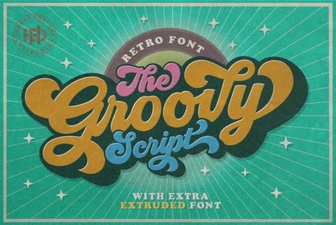 Groovy Font Styles for Creative Project Designs
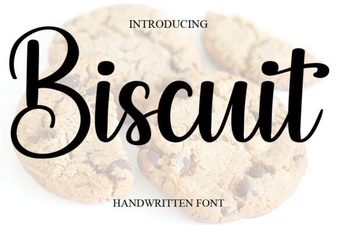 Designing Sweet Text with Biscuit Font
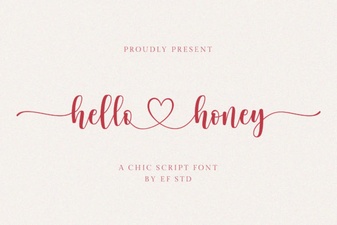 The Hello Honey Font: Creative Handcrafted Designs
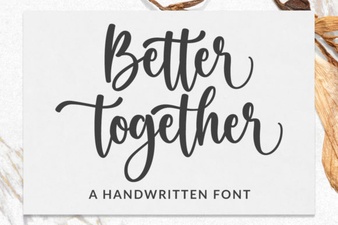 Better Together Font: Design for Collaboration
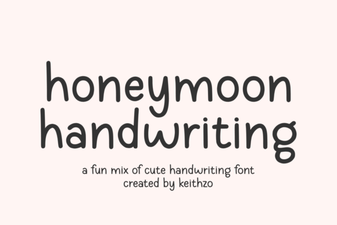 Honeymoon Font: Romantic Handwriting for Design Projects
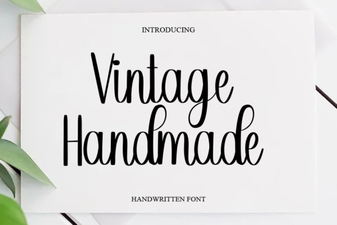 Creative Vintage Fonts for Your Diy Designs