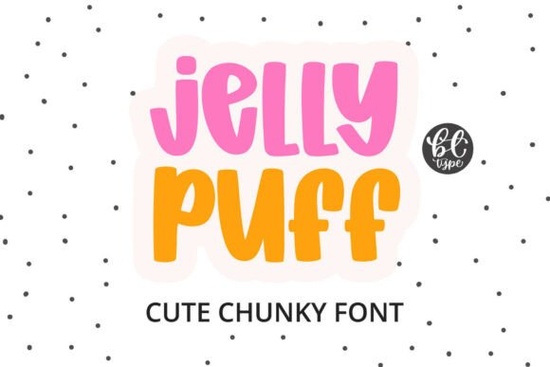
If you need a typeface that instantly reads as playful and approachable, Jelly Puff Font delivers exactly that. Designed with thick, rounded letterforms and zero sharp corners, it mimics the soft, inflated look of balloons or molded candy. Crafters, print-on-demand sellers, and small business owners often reach for this style when they want a design to feel friendly without relying on extra illustrations. The compact height and short ascenders keep words tight, which makes it surprisingly easy to fit on stickers, tote bags, and children’s apparel.
What makes this typeface stand out for craft projects?
The secret lies in the consistent stroke weight and fully closed counters. When you send bubble letters to a cutting machine, intricate thin lines usually tear or weed poorly. This design avoids that problem entirely. Every character maintains a plush, volumetric shape that holds up well on vinyl, heat transfer material, and cardstock. You will notice:
- Smooth curves that cut cleanly without fragile endpoints
- Short tails and descenders that keep text blocks neatly squared
- High readability even at smaller sticker sizes
- A naturally bold presence that skips the need for heavy drop shadows
Because the letters already carry so much visual weight, you can often skip extra effects and let the typeface do the heavy lifting.
Where does a bubbly display font work best?
This style thrives in projects aimed at younger audiences or lighthearted branding. Think candy shop packaging, birthday party invites, nursery wall decals, and feminine logo marks that need a soft touch. It also performs well for animated thumbnails and social media headers where quick readability matters. If you are building a shop that leans into retro playfulness, you might want to browse other groovy and cute display options to keep your template library varied. For a slightly different bounce, some designers swap in hand-drawn wavy styles when they need a more organic, sketch-like feel. The key is matching the mood of the font to the product itself. A sweet, rounded typeface tells customers the item is fun, safe, and made with care.
How do I prepare it for Cricut and print-on-demand files?
Working with chunky letters is straightforward once you set up your design software correctly. Start by typing your phrase and adjusting the tracking slightly. Bubble fonts often look best when letters almost touch, but you still need enough breathing room for weeding. Convert the text to outlines or weld the shapes if your cutting software requires a single continuous path. For print-on-demand mockups, export your design as a transparent PNG at 300 DPI. Keep the color palette light and saturated; pastel pinks, mint greens, and warm yellows complement the soft geometry nicely. If you prefer a more grounded aesthetic for certain products, you can always contrast it with rustic western lettering on secondary text like disclaimers or care instructions.
What should I pair it with for balanced layouts?
A heavy display typeface needs a quiet partner. Pair it with a clean sans serif for body copy, or choose a delicate script when you want to highlight a single word like handmade or limited edition. Avoid stacking two bold decorative fonts on the same layout, as they will compete for attention and reduce readability. When you need an elegant counterpoint for wedding favors or boutique tags, refined calligraphy alternatives work beautifully alongside chunky headlines. You can also explore the full collection of playful display fonts to find matching weights and alternate characters that keep your brand consistent across seasons.
If you want to see how it performs across different mockups and file formats, you can preview Jelly Puff Font directly on the marketplace. Testing a typeface in your actual workflow saves time later and helps you avoid resizing issues during production.
Before you send your next project to the cutter or printer, run through this quick setup list:
- Weld or unite overlapping letters to prevent double-cut lines
- Check minimum cut size on your machine settings (usually 0.5 inches for thick vinyl)
- Export print files in sRGB with a transparent background
- Pair the headline with a lightweight supporting font for descriptions
- Run a test cut on scrap material before using premium heat transfer vinyl
Keep your layouts simple, let the rounded shapes carry the mood, and your designs will read clearly every time.
Try It Free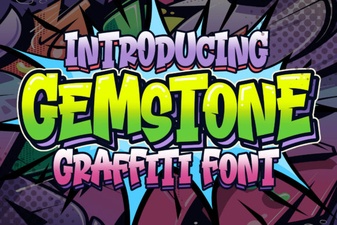 Crafting with the Gemstone Font Design Tool
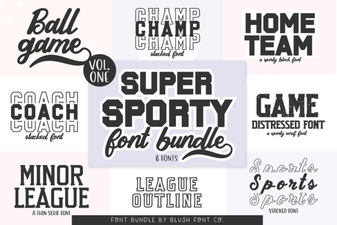 Super Sport Bundle Font: Design & Usability Guide
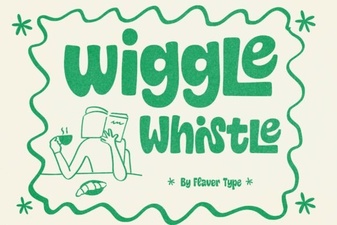 The Wiggle Whistle Font: Design Inspiration Guide
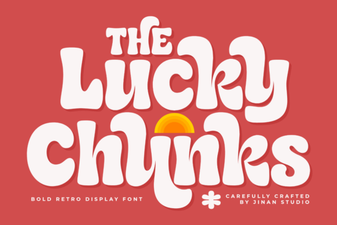 Lucky Chunks Font: Fun & Easy Gameplay Typography
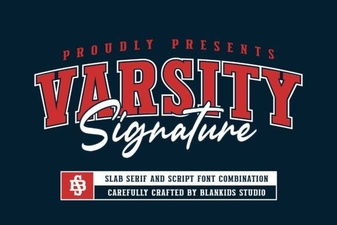 Design Your Team Spirit with Varsity Signature
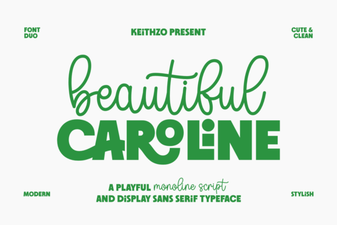 Download the Beautiful Caroline Font for Creative Designs