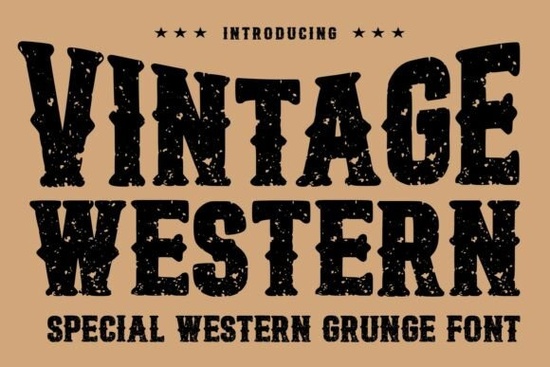
If you need a typeface that instantly reads as rugged, nostalgic, and unmistakably western, the Vintage Western Font delivers exactly that. Built with heavy slab letterforms and a worn grunge texture, it skips the clean, polished look in favor of something that feels stamped and weathered. Designers, print-on-demand sellers, and small business owners use this style when they want headlines that grab attention without looking overly digital.
What makes this typeface work for rustic projects?
The strength of this font comes from its deliberate imperfections. Instead of smooth edges, you get distressed cuts, rough serifs, and a weighted structure that holds up well at large sizes. The grunge overlay is baked into the glyphs, so you do not have to spend extra time adding texture in your design software. When you type a word, it already looks printed on aged paper or stamped onto leather. This saves time for crafters and POD sellers who need to mock up products quickly.
Because the letterforms are bold and wide, readability stays high even when scaled down for labels or packaging. The spacing prevents the rough edges from blending together. If you are working on branding for a coffee shop, a barbecue joint, or an outdoor gear line, that built-in character does most of the visual work for you.
Where does a grunge display font fit best?
Display typefaces are meant for short, impactful text rather than long paragraphs. This one shines in places where you want immediate visual context:
- Apparel and merchandise: T-shirt graphics, hat patches, and tote bags with cowboy or desert themes.
- Signage and posters: Event flyers and storefront windows that need a weathered feel.
- Packaging and labels: Craft cans, spice jars, and small-batch goods where a rustic stamp adds value.
- Logos and wordmarks: Short business names that benefit from strong slab geometry.
Keep body text simple. Pair the headline font with a clean sans serif so the rough texture does not compete with your message. When supporting text stays neutral, the western display type becomes the focal point.
How do you pair it with other typefaces?
Mixing fonts is about contrast. Since this western style carries heavy visual weight, you want companions that step back. If you are designing a sports-themed poster, you might balance it with a lettering style that feels more like a classic varsity script for secondary details. For a playful brand that still wants nostalgia, a soft, rounded display option can soften the rough edges while keeping the layout friendly.
When building a full branding kit, consider how different moods interact. An athletic lettering collection works well for dynamic subheadings, while a retro-inspired playful typeface can add warmth to social media graphics. If your layout calls for another heavy block style to create a layered headline, a chunky geometric alternative can sit underneath as a background element. Limit yourself to two or three typefaces per project.
What should you check before downloading?
Not all display fonts include the same technical features, so a quick review saves frustration. Look for these details before adding the file to your library:
- File formats: Ensure you get OTF and TTF versions for Windows, Mac, and tools like Illustrator or Canva.
- Character set: Verify uppercase, lowercase, numbers, and punctuation are included.
- Licensing terms: Confirm whether the license covers commercial sales or print-on-demand platforms.
- Software compatibility: Test the font in your workflow, since grunge textures can render differently in browser-based editors.
Quick setup checklist for your next project
- Install the font files and restart your design software.
- Type your headline in all caps first, then test mixed case.
- Adjust tracking slightly if the grunge edges touch at smaller sizes.
- Pair with a neutral body font and keep paragraph text short.
- Export a test print to verify how the texture translates to physical materials.
Start with a simple poster or product label, check the spacing, and refine from there. Once you know how the rough edges behave on different backgrounds, you can roll the typeface out across your shop listings with confidence.
Explore Design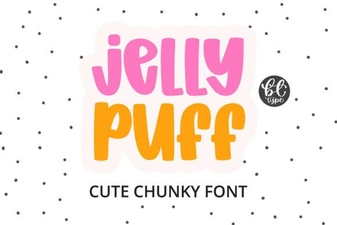 Creative Projects Using Jelly Puff Font
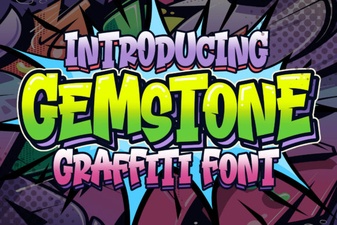 Crafting with the Gemstone Font Design Tool
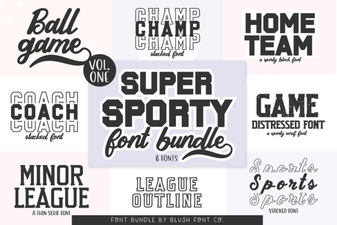 Super Sport Bundle Font: Design & Usability Guide
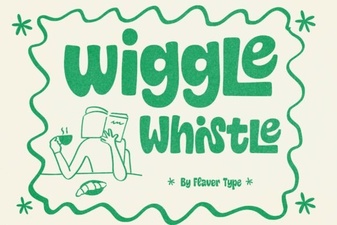 The Wiggle Whistle Font: Design Inspiration Guide
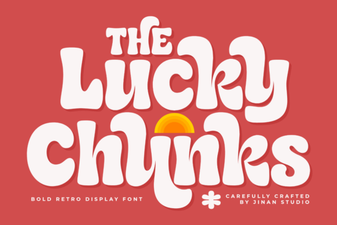 Lucky Chunks Font: Fun & Easy Gameplay Typography
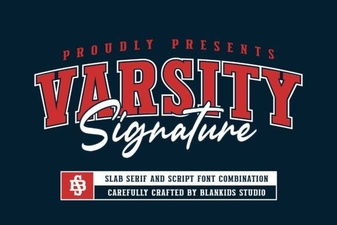 Design Your Team Spirit with Varsity Signature