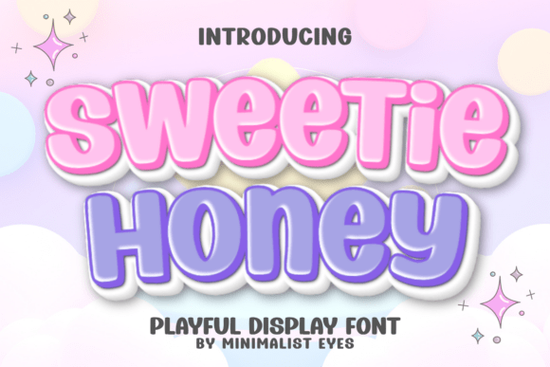
If you need a typeface that feels friendly without sacrificing readability, Sweetie Honey Font delivers exactly that. It’s a bubbly display style built for makers who want their projects to feel warm and approachable. The rounded strokes and open letterforms keep it highly legible even at smaller sizes, which matters when you’re cutting vinyl for stickers or printing nursery wall art. Instead of fighting with tight kerning or overly decorative swashes, you get a clean, cheerful aesthetic that works straight out of the box.
What makes this style so reliable for everyday crafting?
The secret lies in the balance between playfulness and structure. Many display typefaces lean too heavily into novelty, making them difficult to read or hard to cut cleanly. This one keeps the curves soft but maintains consistent stroke width, so your cutting machine won’t struggle with fragile connections. The open counters prevent ink bleed on printed items, and the generous spacing means you rarely need to adjust tracking manually. If you usually reach for something like a thick, rounded display style for kid-friendly projects, you’ll notice how this option offers a lighter, more versatile alternative that still holds its own on busy backgrounds.
Which projects actually benefit from a bubbly display typeface?
Not every design needs a bold, playful font, but certain categories consistently perform better with one. Print-on-demand sellers use it for toddler apparel and birthday-themed mugs because the friendly shape reads well on curved surfaces. Small business owners apply it to packaging labels and thank-you cards to create a welcoming unboxing experience. Crafters rely on it for:
- Personalized stickers that need to stay readable after weeding
- Nursery decor where soft visuals match the room’s theme
- Party invitations that should feel festive but not cluttered
- Digital planners and printable worksheets aimed at younger audiences
When your layout already has strong visual elements, a clean display font keeps the focus where it belongs. You might also experiment with a retro-inspired bubbly alternative when you want a slightly more nostalgic vibe for seasonal merchandise.
How do you cut and print it without losing those soft edges?
Working with rounded letterforms requires a few simple adjustments to keep your results crisp. Always weld or attach your text in your design software before sending it to your cutting machine. This prevents the software from separating individual letters and ruining the intended spacing. For vinyl and heat transfer material, use a fine-point blade and a light to medium pressure setting. Thick, bubbly fonts can sometimes tear during weeding if the blade digs too deep. If you’re printing at home, choose a matte or semi-gloss paper to reduce glare on the curved strokes. When you need a different mood for the same product line, a hand-drawn display option can add organic texture while keeping the same playful energy.
What’s the easiest way to pair it with other typefaces?
A display font should never compete with your supporting text. The safest approach is to pair it with a neutral sans-serif for body copy, contact details, or small disclaimers. Keep the size ratio around 2:1 or 3:1 so the playful letters remain the focal point. Avoid pairing it with another heavily decorated font, as the layout will quickly feel crowded. If you’re designing a brand kit or a recurring product series, you can swap in a clean, elegant display style for adult-focused items while keeping the same layout structure. Consistency in spacing and alignment matters more than matching decorative traits. You can also explore the full Sweetie Honey Font listing to check licensing details and download the complete character set before starting a commercial run.
How do you know if it’s the right fit for your workflow?
Test it against your actual production methods before committing to a full product line. Type out your longest product name and your shortest acronym. Check how the letters sit on a curved mockup and a flat print proof. Verify that the punctuation and numbers align with your pricing tags and date stamps. If the font holds up across those real-world scenarios, it will save you hours of manual adjustments later.
Quick setup checklist before you cut or print:
- Install the OTF or TTF file and restart your design software
- Type your full text, then adjust tracking only if letters overlap
- Weld or attach the text layer before exporting to SVG
- Run a small test cut on scrap vinyl to dial in blade pressure
- Confirm commercial licensing covers your intended sales channel
Save your tested cut settings as a custom material profile so your next batch runs smoothly without guesswork.
Get Started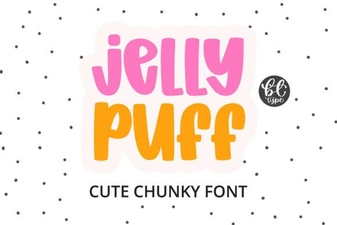 Creative Projects Using Jelly Puff Font
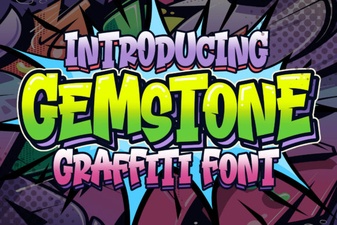 Crafting with the Gemstone Font Design Tool
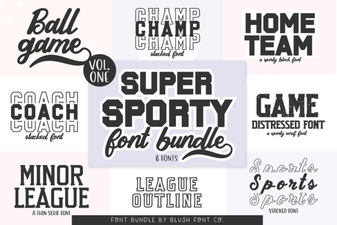 Super Sport Bundle Font: Design & Usability Guide
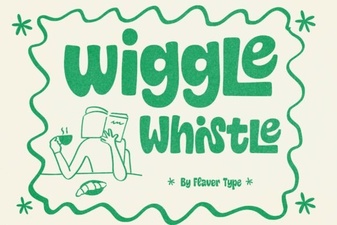 The Wiggle Whistle Font: Design Inspiration Guide
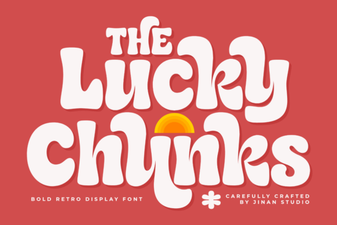 Lucky Chunks Font: Fun & Easy Gameplay Typography
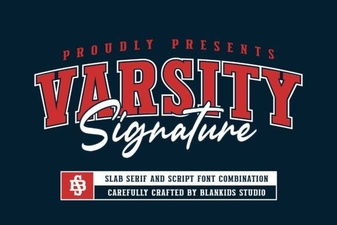 Design Your Team Spirit with Varsity Signature